



Magnetic Slots Casino Application
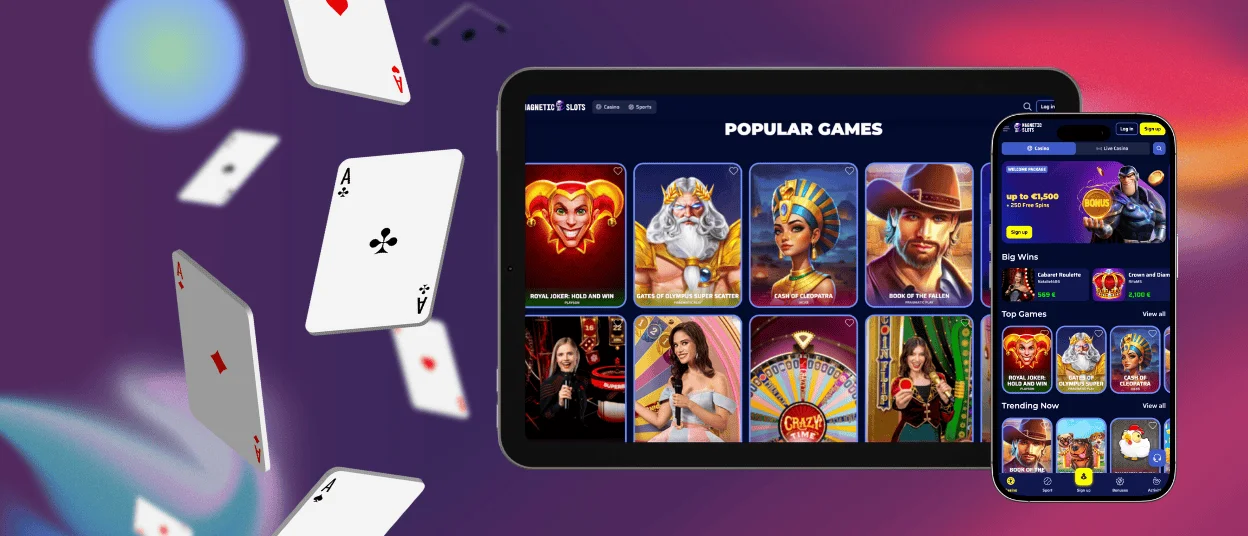
The Magnetic Slots app was explicitly designed to give you access to all our features on your mobile device, on the go. No downloading of unknown files is required to get it for your Android or iOS smartphone. The mobile software mirrors the design, navigation and functionality of the main desktop version. We developed it to optimize for touchscreen and mobile gaming fully.

Best Features of Magneticslots Mobile App
More than 80% of our players prefer to use Magneticslots Casino from their smartphones and tablets. That’s why we developed dedicated mobile software that runs smoothly on any Android or iOS device. Now, the location of your home or PC will no longer limit you.
You will see a familiar design and navigation in the Magneticslots app. Users can go through the same procedures straightforwardly: registration, login and payments. You can be a new player or a regular – it doesn’t matter for using the mobile software. In the table below, you can make yourself more familiar with the features that you can find in the Magneticslots app.
| Feature | Details |
| Game variety | Magnetic Slots gives access to the casino library, including 6,000+ online slots, table games, live dealer titles and instant games. |
| Mobile performance | It is designed to run smoothly on modern smartphones and tablets. Even on slower internet connections, we offer fast load times and a stable gameplay experience. |
| Bonus access | Users can claim welcome bonuses, weekly promotions, cashback and free spins directly through the app, so there is no need to use the desktop version. |
| Security | In the mobile software, we use SSL encryption for your personal and payment information and a verification process. Additionally, you can enable two-factor verification to protect your account further. |
| Account management | In the mobile software, players have the opportunity to change their personal details, check their activity, use the responsible gaming tools and set up 2FA. |
| Notifications | You will get push notifications on your mobile device about all the updates, progress and news. |
| Cross-platform syncing | Your balances, game history, bonuses and preferences are automatically synchronized across your devices, enabling you to switch seamlessly between your phone, tablet and desktop. |
Magnetic Slots Application for Your Android
No matter what exact Android device you have, you can use the Magneticslots app without any issues. We offer a few convenient options to use our platform: browser version, shortcut icon or progressive web app. For any of them, you don’t have to download any unknown Magneticslots APK files.
The browser version is available in Google Chrome, Firefox and any other options. To get quicker access, you can additionally install the shortcut icon. It means that you can go to our website by clicking the icon on your home screen.
You can install the Magneticslots app for Android from our website. Because of the restrictions on gambling software, you can’t download it from the Google Play Store. Follow our instructions below for a quick installation process:
- Go to the end of the page of the Magneticslots Casino website.
- Click the “Casino App” button in the footer.
- The installation process will start automatically and take no longer than 2 minutes with a stable internet connection.
- After a successful installation, the icon will appear on your home screen.
App for iPhone and iPad
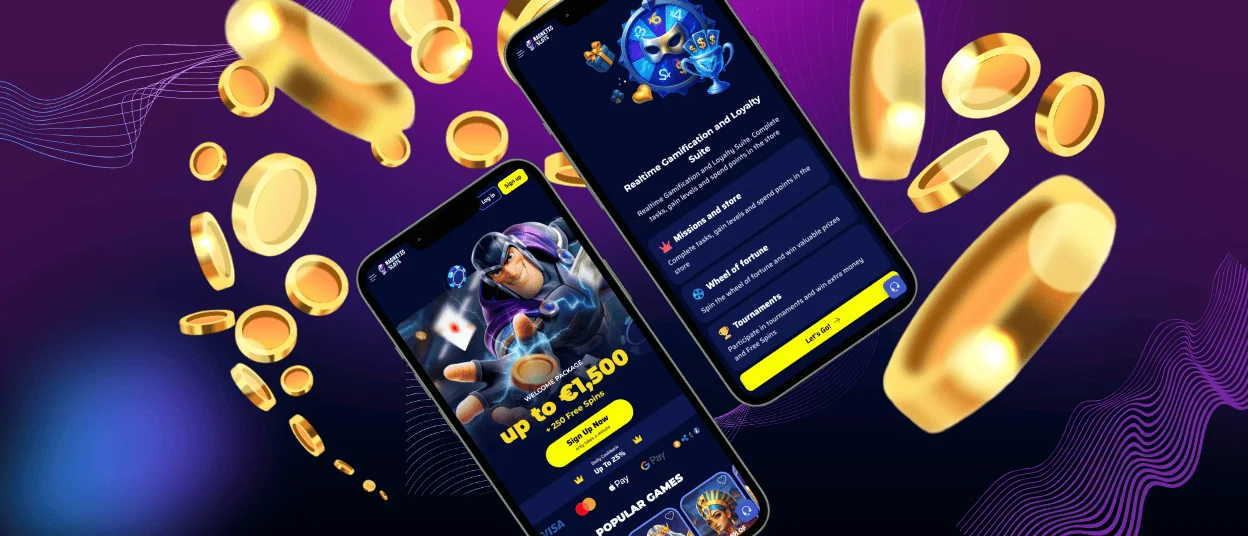
iOS users can also enjoy the whole gambling experience on their mobile devices. More than 6,000 titles are available in the Magneticslots Casino mobile software. You won’t lose anything because the mobile casino mirrors the full desktop version.
The app is optimized for the small screens of all modern iOS devices, including iPhones and iPads. You can install the Magneticslots app by following the link in the footer of our website. The process takes only a few minutes.
There is always the opportunity to use Magneticslots Casino in Safari or any other mobile browser. For even quicker access, you can install a shortcut icon. It can be made in any modern browser. We created step-by-step instructions on how to do it in Safari:
- Open our website in the Safari app.
- Click the “Share” button at the bottom of the screen.
- From the available options, choose “Add to Home Screen.”
- Confirm your choice by clicking the “Add” button.
Web Application for Windows or Mac
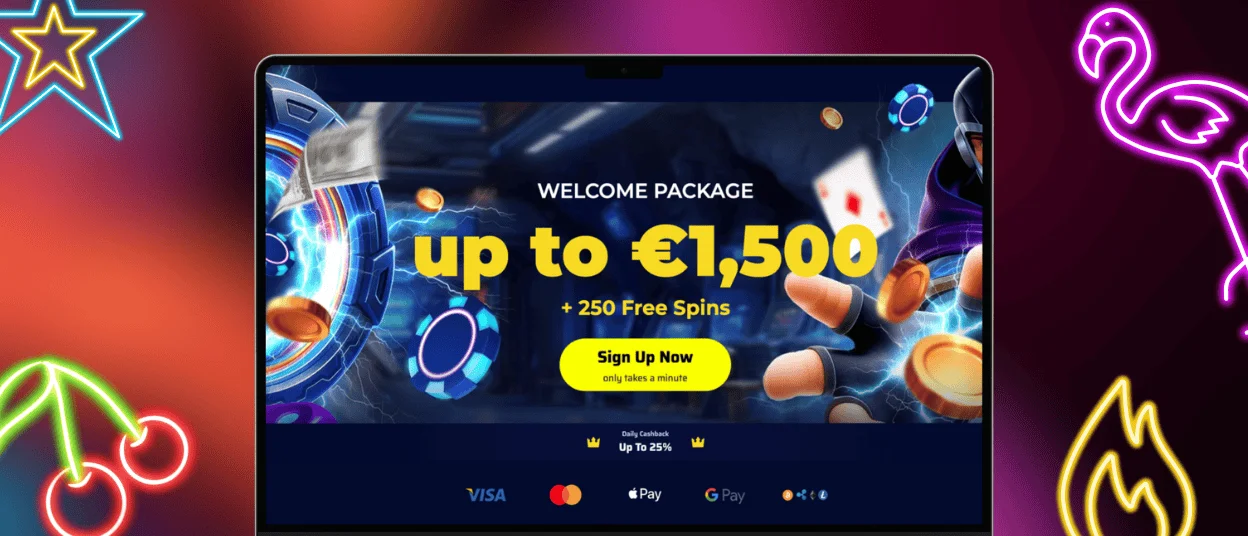
For a more traditional experience with a big screen, you can always access Magneticslots Casino on your PC. You can use our online casino in any preferred browser without any additional software. Users get access to the full game library, payments, bonuses, customer support and much more.
The interface automatically adapts to different screen sizes to ensure straightforward navigation on both laptops and desktops. You can also install an icon for your home screen here.
FAQ
Is the Magnetic Slots App Available on Both Android and iOS?
The Magneticslots app is available for all modern Android and iOS devices. You can install it from our website within a few minutes.
Can I Access the Same Games on the App as on the Desktop Version?
We offer the same game collection in both the Magneticslots mobile software and the desktop version. You get access to 6,000+ titles in different categories and genres. They all adapt perfectly to touchscreens, offering a wonderful gaming experience.
How Do I Update the Magneticslots App to the Latest Version?
We create our Magneticslots Casino mobile software as a progressive web app. It updates automatically, without any additional steps from you. If there are big updates, then we will ask you to install the new version from our Magnetic Slots Casino website.
What Should I Do if the Application Is Not Loading or Crashes?
If you encounter any issues with the Magneticslots app, you should contact our 24/7 support team. Our managers will quickly check the situation and find a solution for your specific case. We have two contact channels: live chat or email.


